A change you can review.
Read your project files, prepare a patch and inspect the diff. Enabled tools and approval settings control what can change.
 Helm.
A question, an idea, the project you keep putting off. Bring it to Helm. Work with the AI you choose, in a space that feels like yours.
Choose your API, CLI or local model. Provider fees may apply.
A little space. A lot of possibility.Your conversations, your files, your next big thing. Give them a place to come together.
Give your assistant a name, instructions and memory notes. Change the model behind it whenever you want.
 OrinThe navigator
 CorvenThe archivist
 VeyraThe reviewer
 NautisThe planner
 KaelThe creative
 SylvenThe guide
Character and model are separate. Web instructions and memory notes are saved in your browser.
Connect a project. Bring your installed tools. Let a longer task unfold, with the controls in your hands.
Download for Windows2.9.162·81.4 MB· Windows 10 / 11 · x64
On Mac or Linux? Start in your browser. Desktop installers for these platforms are not available yet.
Read your project files, prepare a patch and inspect the diff. Enabled tools and approval settings control what can change.
Open independent CLI conversations with the same model settings. Follow each job in Activity and stop it separately.
Set up /auto with your model, tools and limits. Follow actual progress, stop when needed and resume from what remains.
Ask, write, research. A focused space for everyday questions and ideas.
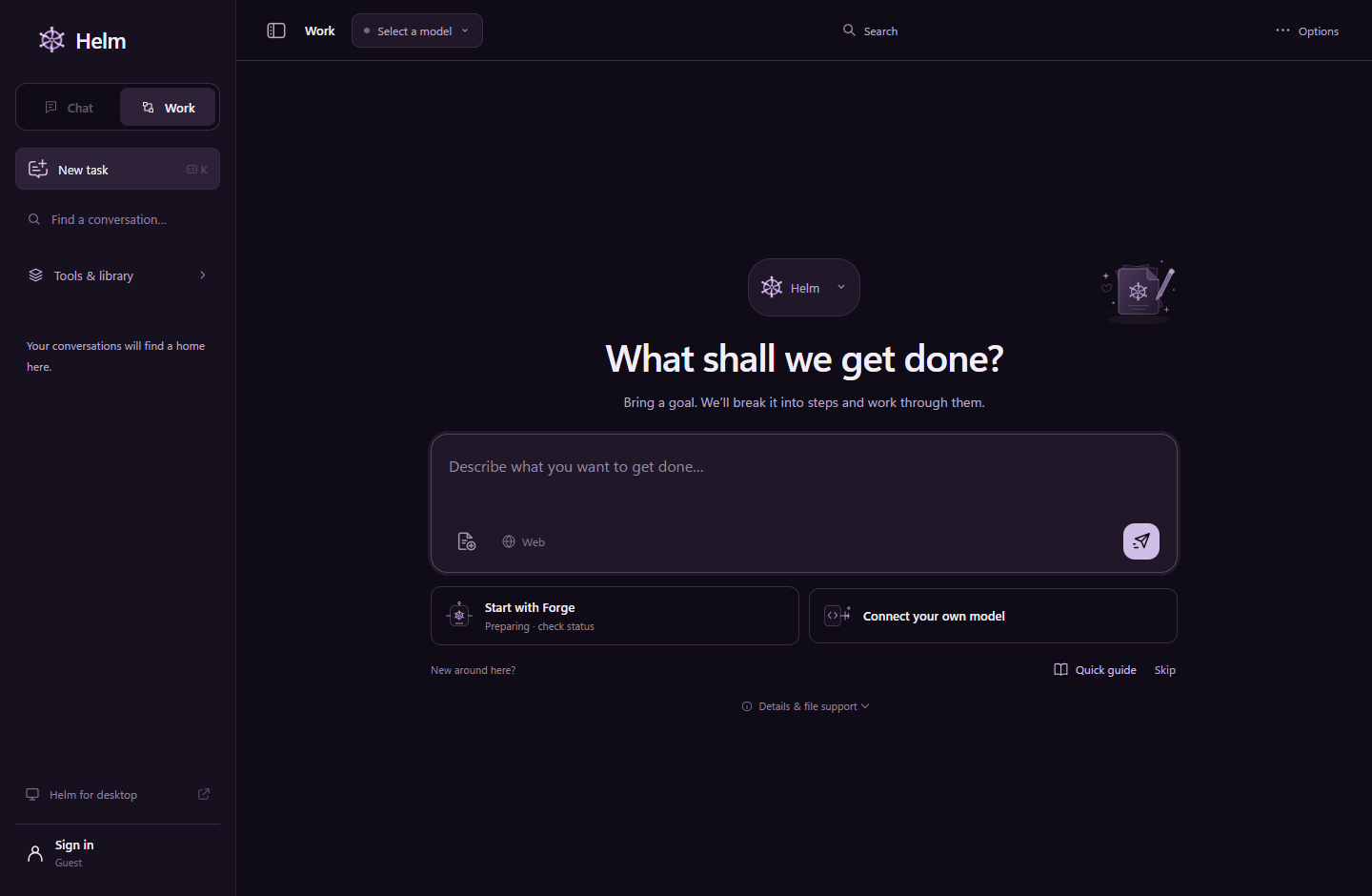
Open Chat02 / WORKSee the goal and next step, edit unfinished steps, and export completed responses. Work runs while your tab stays open.
Open WorkChoose Forge with its usage allowance, or connect your own model.
You can download Helm and use its web workspace. Your chosen API or CLI provider may charge for model usage. Forge offers free usage within Trial and Free plan allowances.
Connect a supported API, or your existing Ollama / LM Studio server. Desktop also supports installed CLI connections. Model availability comes from your actual connection.
Guest chats stay on your device. Sign in with Veornis to sync text chats and task progress. Importing existing guest history is your choice; API keys and attachments are not synced.
No. Browser tasks need the tab to stay open. Local tools require Helm Desktop, or an explicitly paired desktop connection in Work. Your permissions still apply.
YOUR NEXT CHAPTER / HELM